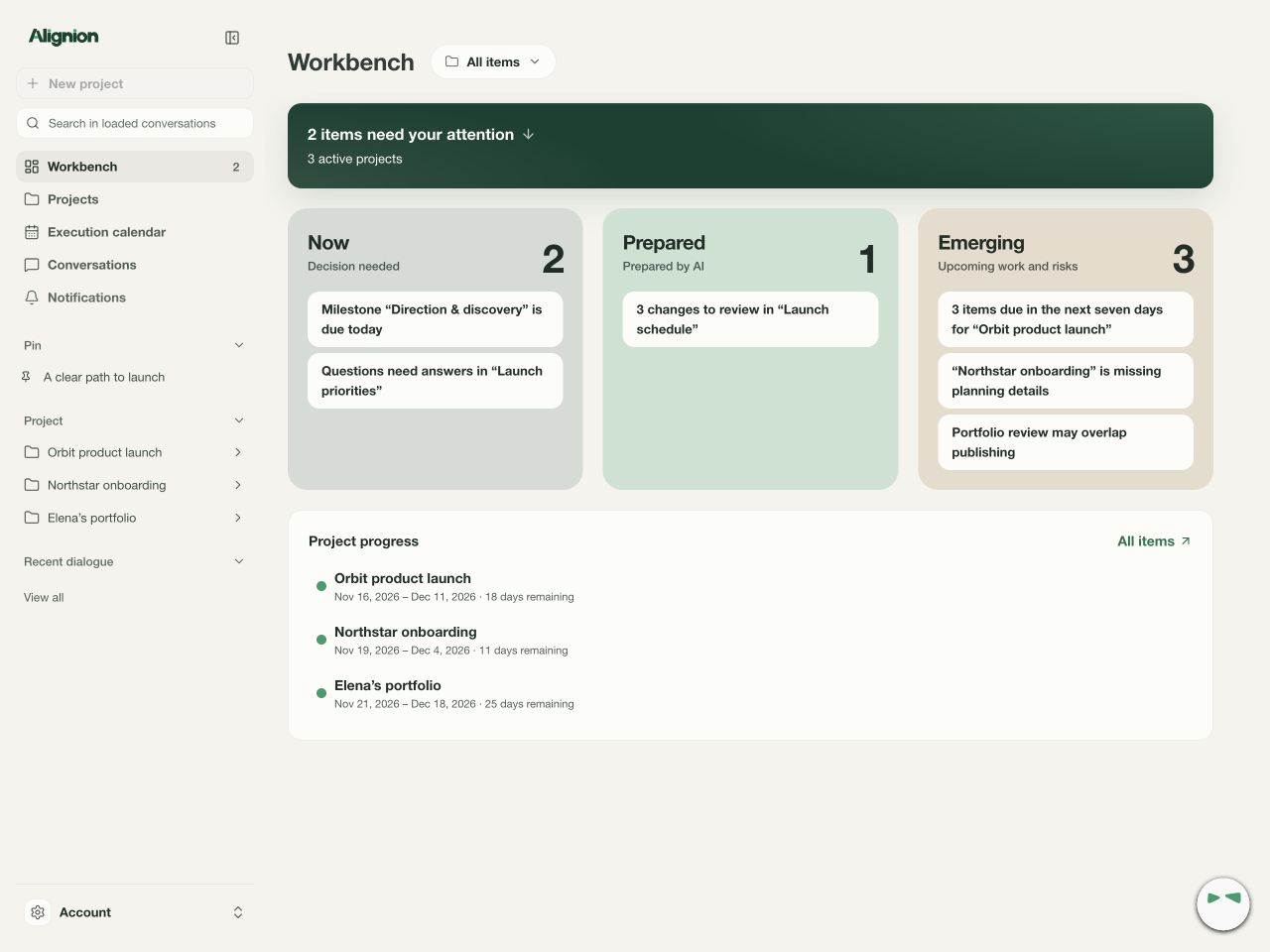
 Meet your new workspace
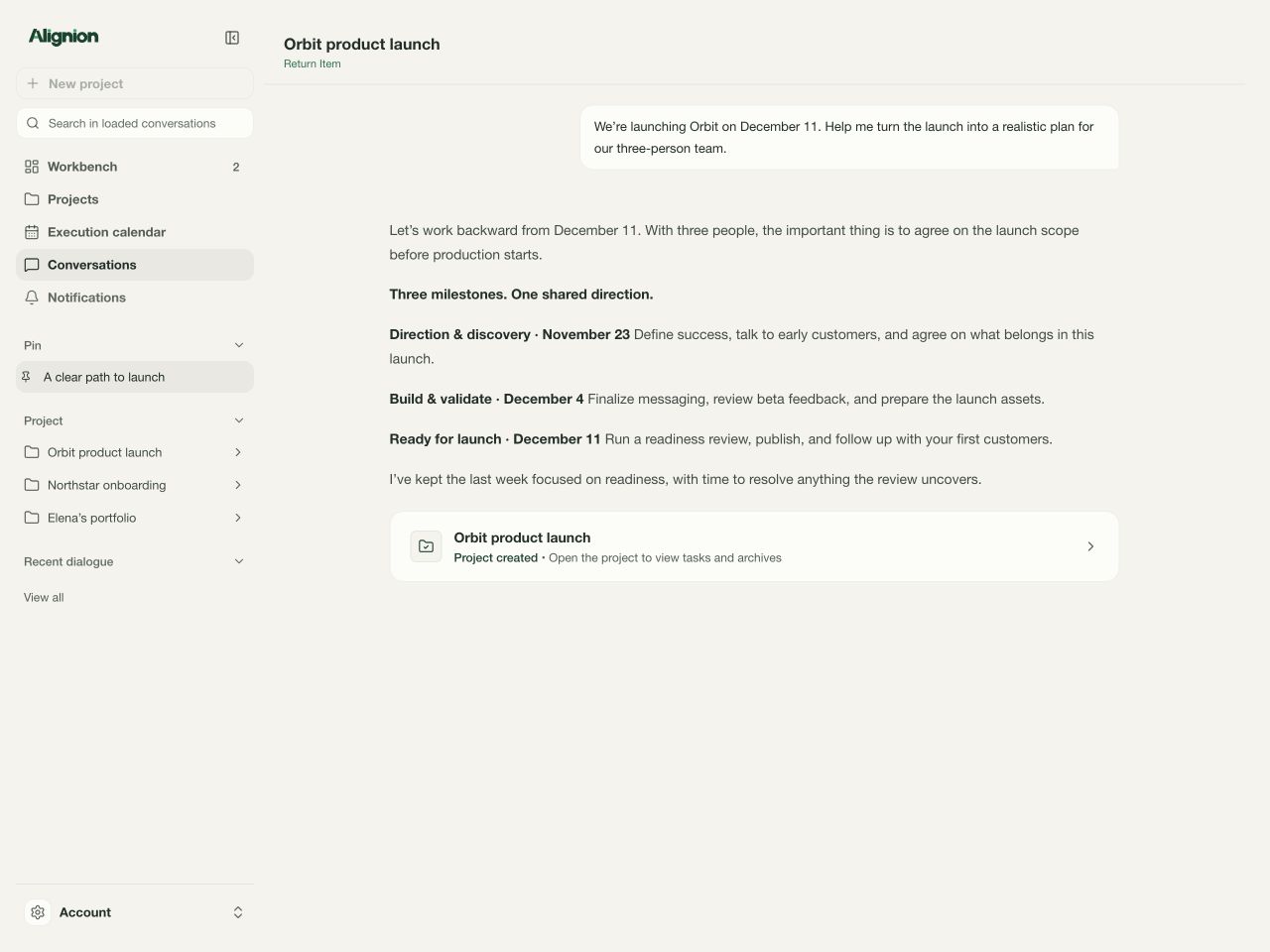 Start with a conversation
Keep the goal
in view
Forty early-access teams. One December launch. Keep the outcome and the boundaries close. Select Edit to explore a profile entry.


Bring the ambition.
Find the next step.
The goal you agreed on. The message behind a commitment. The person who can answer. Keep the context together, all the way to delivery.
Explore a projectFrom a shared goal to the sources, commitments, and people behind it.
Forty early-access teams. One December launch. Keep the outcome and the boundaries close. Select Edit to explore a profile entry.
An email about launch copy. Notes from the readiness meeting. Feedback from the pilot teams. Keep each source in the project it belongs to.
Jordan promises the revised copy by November 26. See who sent the message, when it arrived, the original text, and the commitment it supports.
A delivery promise from Jordan. An EU approval question for Priya. Each has a person, a date, and a status you can follow.
Who promised what, to whom, and by when. The original wording stays alongside the commitment, including the conditions that matter.
Alex leads the launch. Jordan shapes the message. Sam owns engineering. Priya clarifies legal approval. Keep the people and their roles in view.
Jordan’s role, the launch-copy commitment, and the email behind it, together. Return to a person with the context you need for the next conversation.
Fictional launch · Connected project context · Read-only details
You don’t need a perfect brief. Talk through the goal, constraints, and open questions. Give the work a clear shape, together.
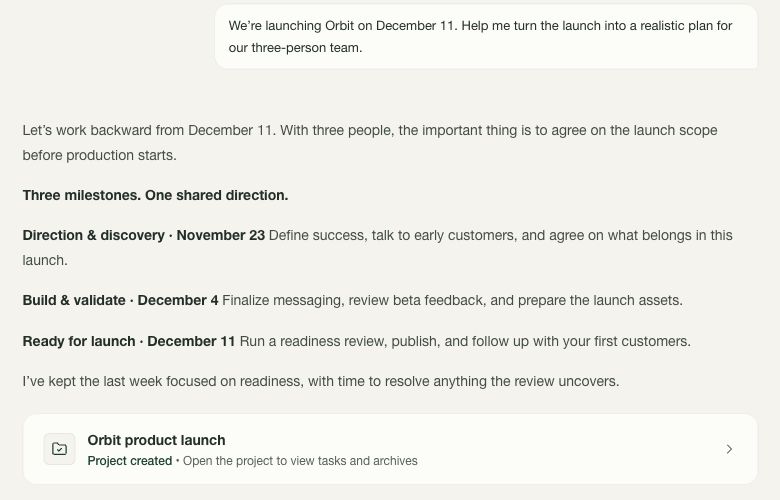
Work through the target date, team capacity, and trade-offs. Turn the conversation into milestones and tasks, with the reasoning close at hand.
See the journey from idea to actionThe same work, connected across your list, timeline, and calendar.
The scope becomes three milestones. Owners, dates, and deliverables make each next step clear.
Follow the launch from discovery to release. See the sequence, compare dates, and keep the December 11 milestone in view.
See due dates across your projects. Filter the calendar to focus on one launch or one kind of commitment.
Fictional projects · Read-only exploration
Now highlights decisions that need you. Emerging keeps upcoming work and risks in view. Prepared brings proposed changes together for review.
Jordan needs one more day for launch copy. Inspect the three suggested date changes; the December 11 launch stays fixed. Nothing changes until you approve.
Open the workspace and explore the full journey with fictional projects. No signup needed.